
Miami-Dade Clerk of the Court and Comptroller
Miami-Dade uses a unified clerk model. One elected official runs the office that keeps court files, records deeds, audits county finances, and serves as clerk to the Board of County Commissioners. The current Clerk is Juan Fernandez-Barquin, Esq. The official office name is the Miami-Dade Clerk of the Court and Comptroller. Court records for both the Eleventh Judicial Circuit and the County Court flow through this office.
The Clerk's Records page lists every system the office runs in one place. Court systems include the Civil, Family and Probate Courts Online System (OCS), the Criminal Justice Online Case Search (CJIS), and the Traffic Searches application. Noncourt systems include Official Records for recorded land documents, the Marriage License Bureau, the Value Adjustment Board, the Tax Deed Sale Process, Code Enforcement, Parking Violations, the Central Depository for child support, and Commercial Data Services. The wide scope is what makes this office a one-stop record source for most residents.
The Clerk also redacts protected information from public images, runs the local eFiling intake on the Florida ePortal, and prints certified copies for use in court, at banks, and at title companies. Other Miami-Dade court records requests funnel through the same office.
Main Clerk Office and Contact
The Clerk's main public address is the Osvaldo N. Soto Miami-Dade Justice Center in downtown Miami. The Soto Justice Center houses Circuit Civil, Probate, and the county recorder functions. The Clerk homepage and the county service card both point here for the main public contact. Older Clerk pages still list the historic Miami-Dade County Courthouse at 73 W Flagler Street, but that building is no longer the front door for most Clerk services.
Osvaldo N. Soto Miami-Dade Justice Center
Clerk: Juan Fernandez-Barquin, Esq.
20 NW 1st Avenue
Miami, FL 33128
305-275-1155
Domestic Violence: 305-349-5813
Monday to Friday, 8:00 a.m. to 5:00 p.m.
The Soto building sits near Government Center, the major Metrorail and Metromover hub for downtown. Court pages warn that street parking is tight. Confirm the right court location before traveling, because some Clerk functions like marriage licenses live in a separate building.
Court Records Systems Maintained by the Clerk
Searching Miami-Dade court records is not one search box. Each case type has its own portal. The Clerk built four main public systems and posts each on the Records hub. Picking the wrong system is the most common reason a record is not found.
- OCS: Civil, Family and Probate Courts Online System. Used for circuit civil, county civil, family, probate, guardianship, and mental health cases.
- CJIS: Criminal Justice Online Case Search. Used for felony and misdemeanor cases, plus citation, jail-number, and defendant-name lookups.
- Traffic Searches: civil traffic infractions, parking, and bond search tabs.
- Official Records: recorded deeds, mortgages, liens, plats, satisfactions, and judgments.
The image below opens the Clerk's Records Library, which describes the records office and lists what each portal contains.
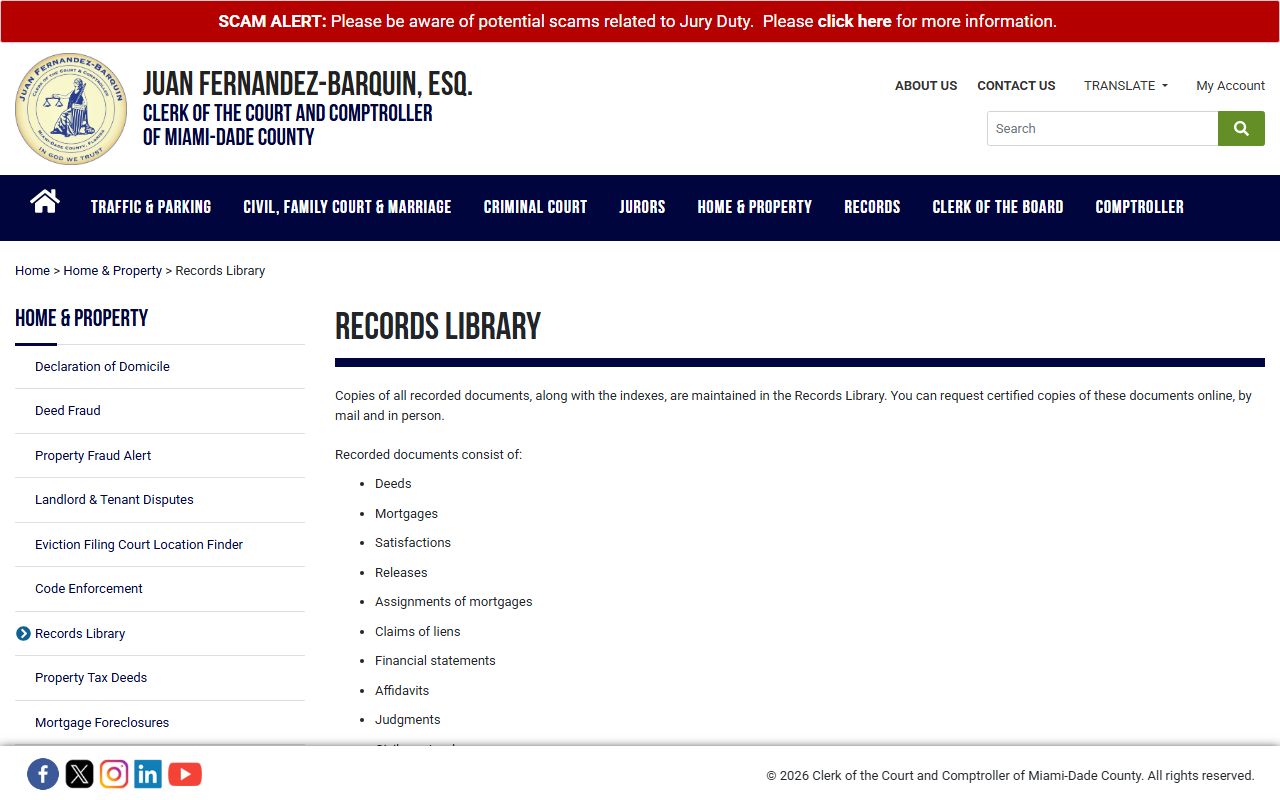
The Records Library page is also where the public computer policy and the standard records-staff search fee are posted.
For deeper walk-throughs of search fields, sample case records, and how a docket is laid out, the dedicated court records page covers OCS in detail. Court dockets, criminal records, and traffic court records each get their own walk-through too.
The Clerk as County Recorder
The Clerk doubles as Miami-Dade's county recorder. Deeds, mortgages, liens, satisfactions, judgments, plats, and most other real-property instruments are recorded by this office and indexed in the Official Records system. A typical search uses a Party Name, the Clerk's File Number (CFN), the Recording Book and Page, or a Legal Description such as a subdivision name with lot, block, plat book, and page.
The image below opens the Clerk's Official Records page where recording fees and the redaction process are listed.
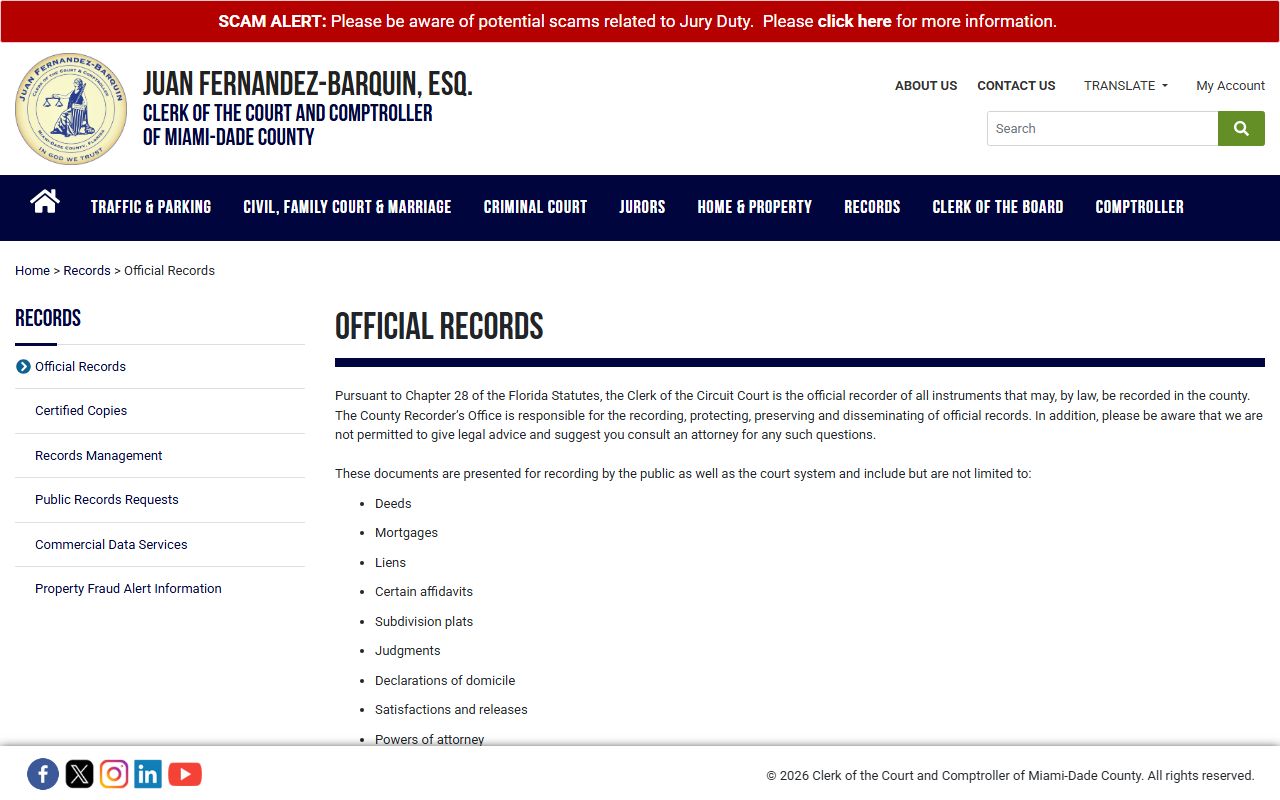
Recording is mostly $10 for the first page and $8.50 for each added page. Lis Pendens recording uses a lower fee scale. Recorded document copies are $1 per page with a $2 certification fee.
The Official Records page also runs a redaction request workflow. Social Security numbers, bank account numbers, and credit card numbers can be redacted on request, but the requester must give either the CFN or the Book and Page. The redaction tool does not pull recorded images off the internet on its own. A separate process under Florida Statute 119.0714 lets certain people remove court-record images of confidential filings from public view.
Standard vs Advanced Online Access
Records access is split into standard and advanced services. Standard searches in OCS, CJIS, Traffic, and Official Records are free and open to the public. A nonlogged user solves a reCAPTCHA, then runs a search. Results show case header data, parties, dockets, and hearings. Many documents are viewable. Some are not, because access depends on the Florida Supreme Court Access Security Matrix and Florida Rule of General Practice and Judicial Administration 2.420.
Advanced access changes by system. Official Records advanced searches cost one search unit per search. Each unit is $1.00, and units are deducted automatically. Advanced Civil/Family/Probate access is free, but it requires registration under the Florida Supreme Court Standards for Access to Electronic Court Records. The Clerk's User Management Services platform handles sign-up, role assignment, case bookmarks, and user dashboards.
Florida Bar attorneys can register a profile tied to their Florida Bar number. That ties them to attorney-of-record access on cases where the Bar number is on file. Government agencies get access through an agency gatekeeper, who controls who inside the agency can view what. Public users who want enhanced civil, family, or probate access submit a notarized form first.
Note: Registered users avoid CAPTCHAs, see more filing-date and section filters, and unlock case-bookmark dashboards.
Clerk Fees
Fees come from two layers. The Clerk publishes set fees for copies, certified copies, searches, and recording. Florida's Public Records Act sets a separate copy fee scale for ordinary public records. Both layers apply at the Clerk, depending on what is being requested.
| Item | Amount |
|---|---|
| Recorded document copy | $1 per page |
| Certification of recorded document | $2 |
| Records staff search | $2 per name per year |
| Criminal certified copy / disposition letter | $7 |
| Unknown criminal year or case search | $2 per year per name |
| Recording, most documents | $10 first page; $8.50 each added page |
| Lis Pendens recording | $5 first page; $4 each added page |
| Marriage certified copy | $9 first copy; $7 each added copy |
| Official Records advanced search unit | $1 per unit |
Payment methods for recording include cash in person, cashier's check, money order, title-company or attorney checks, and in-person credit card with a daily cap of $5,000. Personal checks are not accepted for the marriage license application or for certified marriage copies by mail. Mailed criminal copy requests use money orders or cashier's checks. Many service counters also take credit cards for over-the-counter copy work.
How to Request a Certified Copy
Certified copies are the only copies most banks, courts, and licensing agencies will accept as proof of a filing. Plain online copies, screen prints, and emailed PDFs are not certified. The steps below cover the three common request channels: online, mail, and in person.
- Find the case in the right portal. Use OCS for civil, family, and probate; CJIS for criminal; Traffic Searches for citations; Official Records for recorded documents.
- Note the case number, the document name, and the file or recording date. A criminal request needs the case type (B, F, or M), the year, the six-digit sequence, and any suffix.
- Pick a channel. Online ordering is open through the case view in OCS, CJIS, and Official Records where the workflow is available. Mail goes to the right Clerk suite by case type. In-person requests are taken at the case division counter.
- Pay the fee. Criminal certified copies and disposition letters are $7 each. Recorded document certification is $2 plus $1 per page. Marriage certified copies are $9 for the first copy and $7 for each added copy. Add the search fee if you do not know the year or case number.
- Pick up at the counter or wait for delivery. Mail-order turnaround depends on volume and on whether the request packet is complete. Include a self-addressed stamped envelope where the form asks for one.
For criminal records, the Clerk's criminal court page lists Suite 9000 at the Richard E. Gerstein Justice Building as the in-person counter for criminal history checks. The image below opens that criminal court records page.
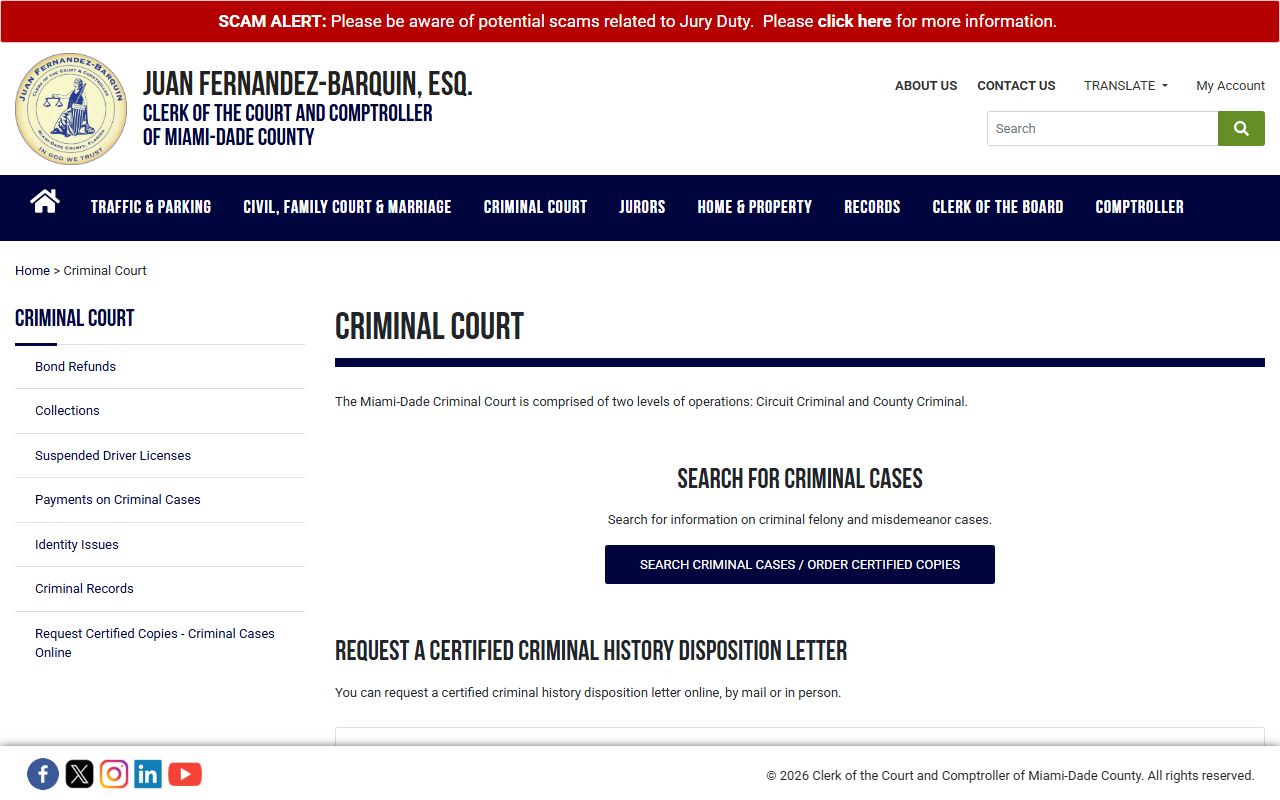
That page also lists the $7 certified-copy fee and the $2 per name per year search fee when the year or case number is unknown.
Public Access User ID Application Fields
Enhanced online access through OCS and CJIS uses the Public Access User ID Application Request form. The form must be printed, signed, dated, and notarized before submission. Attorneys add their Florida Bar number. The fields below show what to fill in.
| Field | Required | Notes |
|---|---|---|
| Role checkbox or radio | Yes | Member of the Florida Bar, public user, or agency role under the Access Security Matrix. |
| Name and requestor information | Yes | Mandatory fields are marked with an asterisk on the form. |
| Contact telephone number | Yes | Daytime number for follow-up by the Clerk. |
| Law firm name | Conditional | Required when registering as a member of the Florida Bar. |
| Florida Bar number | Conditional | Required for attorney access. Ties the user to attorney-of-record cases. |
| Signature, date, notary | Yes | Form must be signed, dated, and notarized before it is sent. |
| Submission | Yes | Mail to the Clerk of Courts or email to COCRARForm@miamidade.gov per the form text. |
Public users who do not need advanced access can still register a basic account. The User Management Services manual says sign-up starts with an email address, then a first name, last name, phone number, and email confirmation. The basic account avoids CAPTCHAs and opens case-bookmark features inside OCS and CJIS.
Marriage License Bureau
Marriage licenses are issued by the Clerk's Marriage License Bureau. The bureau sits at Overtown Transit Village South, 601 NW 1st Court, Room 1900, Miami, Florida 33136. Both applicants must apply in person, show valid photo ID, and provide a Social Security number if one has been issued. The ceremony must be performed within 60 days of license issuance, and the office can perform a brief civil ceremony at the bureau itself.
Certified marriage copies follow a separate fee scale. The first copy is $9 and each added copy is $7 on the Clerk's mail request form. Mail orders pay by money order or cashier's check made out to Clerk of Courts. Add a $2 per year search fee for marriages before 1972 or when the date is unknown. Add postage on top for priority, express, or international registered mail.
For divorce, the case is a family court file in OCS, not a vital record at the Marriage Bureau. The final judgment date is the date of divorce for Clerk search purposes. Full walk-throughs for marriage and divorce records live on the marriage and divorce records page.
Probate, Traffic, and Other Clerk Services
Probate in Miami-Dade is a division of the Eleventh Judicial Circuit, not a separate Probate Court. Probate judges and support personnel are at the Soto Justice Center. The Clerk takes filings, sets calendars, issues letters, and prints certified copies for estates, trusts, guardianship, mental health, and Marchman Act cases. The image below opens the Clerk's probate court page.
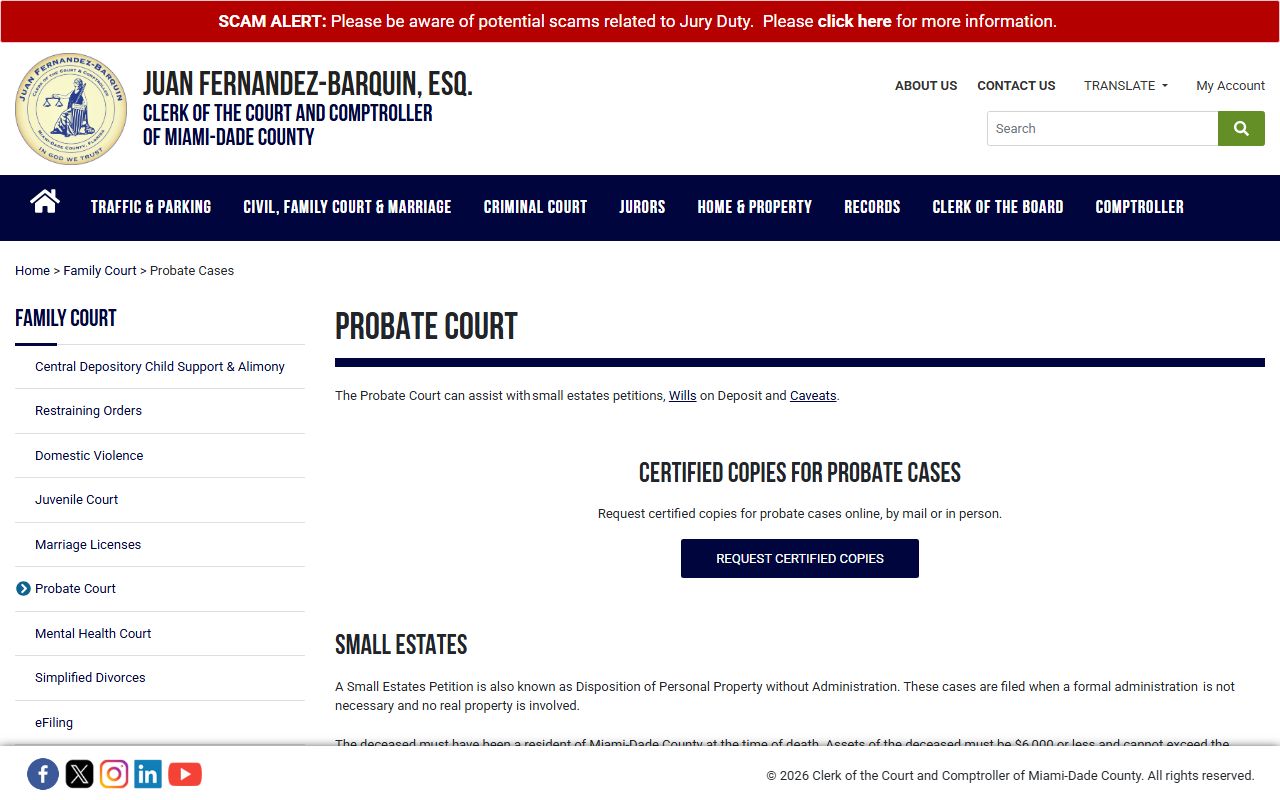
That page also explains Small Estates Petitions, Wills on Deposit, Caveats, and how to look up a probate calendar by case number ending in CP-02, GD-02, or MH-02. The full walk-through lives on the probate records page.
The Clerk also runs the Traffic Online System. Civil traffic infractions, criminal traffic charges, parking, and bond tabs all sit inside the Traffic Searches application. The county Traffic Payment Plan covers citations that are not yet in collection status. CDL and CLP holders should read the Clerk's traffic notices closely before paying or contesting. The traffic court records page covers citation lookups, defenses, and the difference between a court traffic record and a state driver record.
Beyond cases and citations, the Clerk handles Code Enforcement, Parking Violations, the Central Depository for child support, the Value Adjustment Board, and the Tax Deed Sale Process. Many of these are public-record streams covered on the public records page.
Mail Addresses for Clerk Requests
Mail requests go to different suites depending on case type. Sending a felony request to the misdemeanor suite, or a recorded document request to the criminal courthouse, can delay an order by weeks. The callout below lists the criminal mail suites at the Richard E. Gerstein Justice Building.
Criminal mail addresses, Richard E. Gerstein Justice Building, Miami, FL 33125:
Felony: 1351 NW 12th Street, Suite 9000, Miami, FL 33125.
Misdemeanor: 1351 NW 12th Street, Suite 8100, Miami, FL 33125.
Traffic: 1351 NW 12th Street, Suite 124, Miami, FL 33125.
Recorded-document requests go to the Office of County Recorder at 20 NW 1st Avenue, Suite 5.246, Miami, FL 33128. Marriage certified copies by mail use the bureau form and go to the Clerk of Courts as listed on that form. Civil, family, and probate certified copies can also be ordered online from a case view in OCS where the workflow is available, which avoids the mail step entirely.
Public records requests that are not case-specific can be emailed to cocpubreq@miamidade.gov. The county service page says Clerk public records can be requested by mail or email, and that a control number is assigned after receipt. Florida policy says requesters do not have to give a name, give a reason, or put the request in writing. Email is itself a public record, so addresses on a request can be released.
Recent Clerk Initiatives
The Clerk has rolled out several new tools and posted notices about ongoing changes. The most visible move is the shift toward a .gov domain name, paired with stronger cybersecurity controls. The Records page now leans more on registered access, official-record search units, and user dashboards through User Management Services.
- Enhanced OCS: a refreshed Online Case Search portal for civil, family, and probate cases with new card-style result displays.
- COIN: the Criminal Justice Online Case Search and Images system, which expands access to online criminal case details and document images.
- Civil Infractions Application: lets users with boating, park, wildlife, and other civil citations review, track, and pay online.
- Parking Service Assistant: helps pay municipal parking citations and answers FAQ-style questions about parking fines.
- Traffic Payment Plan Initiative: payment plans for traffic citations that are not yet in collection-agency status.
Note: Confirm hours and closures before traveling. The Clerk homepage posts notices for holiday closures and for temporary repairs at branch courts.
Public-facing case search is still split across OCS, CJIS, Traffic, and Official Records, but the registered side is moving toward a single sign-on and one bookmarks dashboard. That is the long-term direction signaled by the User Management Services rollout and the Records page redesign.