
What Is a Court Docket in Miami-Dade
A docket is the chronological index of a case. It lists each event in order: the complaint or charging document, summons, motions, notices, hearings, orders, and the final disposition. Each line names the event, the date, and often the party who filed it. The docket does not contain the full text of every document, but it points to them.
The full case record is the complete set of documents behind those docket lines. The docket is the map; the case file is the territory. In Miami-Dade, both live in the Clerk's online systems, with civil, family, and probate cases in one application and criminal cases in another. Which docket you can read in full depends on the case type and your access role under the Florida Supreme Court Access Security Matrix.
How to Find Miami-Dade Dockets Online
Dockets are reached through the same portals used for case records. Civil, family, and probate dockets sit in the Civil, Family and Probate Courts Online System. Criminal dockets sit in the Criminal Justice Online Case Search. Pick the right one before you search.
- Open the portal that matches the case type.
- Choose a search method, such as party name, case number, or hearing date.
- Enter the value, using at least three characters of a last name plus a first initial.
- Open the result card to view the docket entries and any available documents.
Note: A party-name docket search can return many results, so a date range or first name narrows the list.
The image below opens the civil, family, and probate case search where these dockets live.
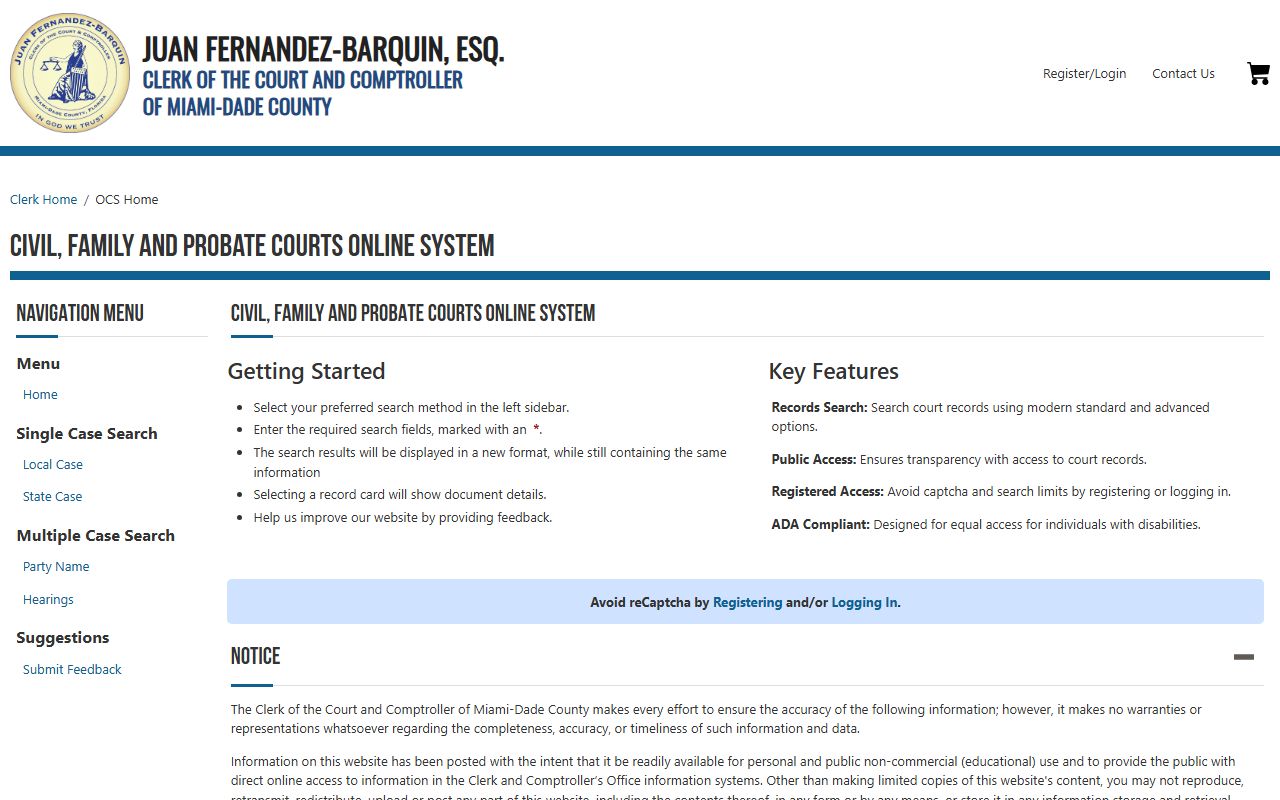
Selecting a result card opens the docket and the documents your access role allows.
Sample Miami-Dade Docket Entry
Each docket line carries a small set of data. The table explains what the common fields mean.
| Field | What It Shows |
|---|---|
| Entry Date | When the filing or event was recorded. |
| Event Type | The kind of filing, such as motion, order, or notice. |
| Party Filing | Which party submitted the document. |
| Description | A short label for the document or event. |
| Document Link | A link to the image, if your access role allows it. |
| Pages | The number of pages in the filed document. |
Hearing Calendars and Docket Searches
Beyond the case docket, the Clerk's systems support calendar searches by hearing date, court type, and judge. In the civil system, hearing court types include Circuit Civil, Family Civil, County Civil, and Mental Health, each with its own calendar types. In the criminal system, calendar searches include bond hearings and jail arraignment calendars. These tools help attorneys and parties find when and where a matter is set.
Family and juvenile calendars are limited. The Children's Courthouse calendar can be viewed only by case number because of confidentiality, and it returns just the judge, the hearing time, and the courtroom. Probate calendars work the same way, needing a case number that ends in CP-02, GD-02, or MH-02.
Courts That Publish Dockets in Miami-Dade
The Eleventh Judicial Circuit and Miami-Dade County Court both feed their dockets into the Clerk's systems. The divisions below produce the dockets most people search.
- Circuit Civil: civil cases above $50,000, foreclosures, and complex business litigation.
- County Civil: civil cases up to $50,000 and small claims up to $8,000.
- Circuit and County Criminal: felony, misdemeanor, and criminal traffic cases in CJIS.
- Family: divorce, custody, support, and paternity, with limited public calendar access.
- Probate: estates, guardianship, and mental health, viewable by case number.
Docket vs Full Case Record
The docket and the full case record serve different needs. The docket tracks progress at a glance. The full record holds the documents you would need for legal review or evidence. The comparison below sums it up.
| Docket | Full Case Record | |
|---|---|---|
| Format | List of dated entries | Full document images |
| Access | Often viewable in the public search | Depends on access role and case type |
| Use | Track status and next hearing | Legal review, certified copies, evidence |
| Cost | Free to view | Certified copies carry a fee |
For the document side of a case, see the Miami-Dade court records page.
How to Read a Miami-Dade Docket
Docket lines use case codes and short abbreviations. Local case codes include CA for Circuit Civil, CC for County Civil, CP for Circuit Probate, DR for Domestic Relations, GD for Guardianship, MH for Mental Health, and SC for Summary Civil. Criminal case codes are B for Branch, F for Felony, and M for Misdemeanor.
Disposition lines control the legal effect of the case. A dismissal can be with or without prejudice. A Florida case may show a withhold of adjudication, where guilt is established but no formal conviction is entered. A capias entry signals an arrest writ, often after a missed court date. Read each line carefully, since the wording, not the label, sets the outcome.
Documents and Certified Copies
When a docket line links to a document, your ability to open it depends on your access role and the case type. Public users see less than registered users, and attorneys with a Florida Bar number tied to the case see the most. Certified copies are ordered separately through the Clerk and are the only copies most agencies accept as proof. Fees and request methods are on the Clerk of Court page.
Docket Updates and Timing
Dockets update as the Clerk records filings, but there is normal lag between when a document is filed and when the line appears online. A new case may take time to show. Sealed or confidential filings will never display, even when the rest of the docket is public. Because of this, a docket should be read as a current snapshot, not a guaranteed complete history. For anything you plan to rely on, confirm with the Clerk before acting. The Clerk has also been rolling out enhanced case search tools, so the look and available fields of a docket view can change over time.